Hook
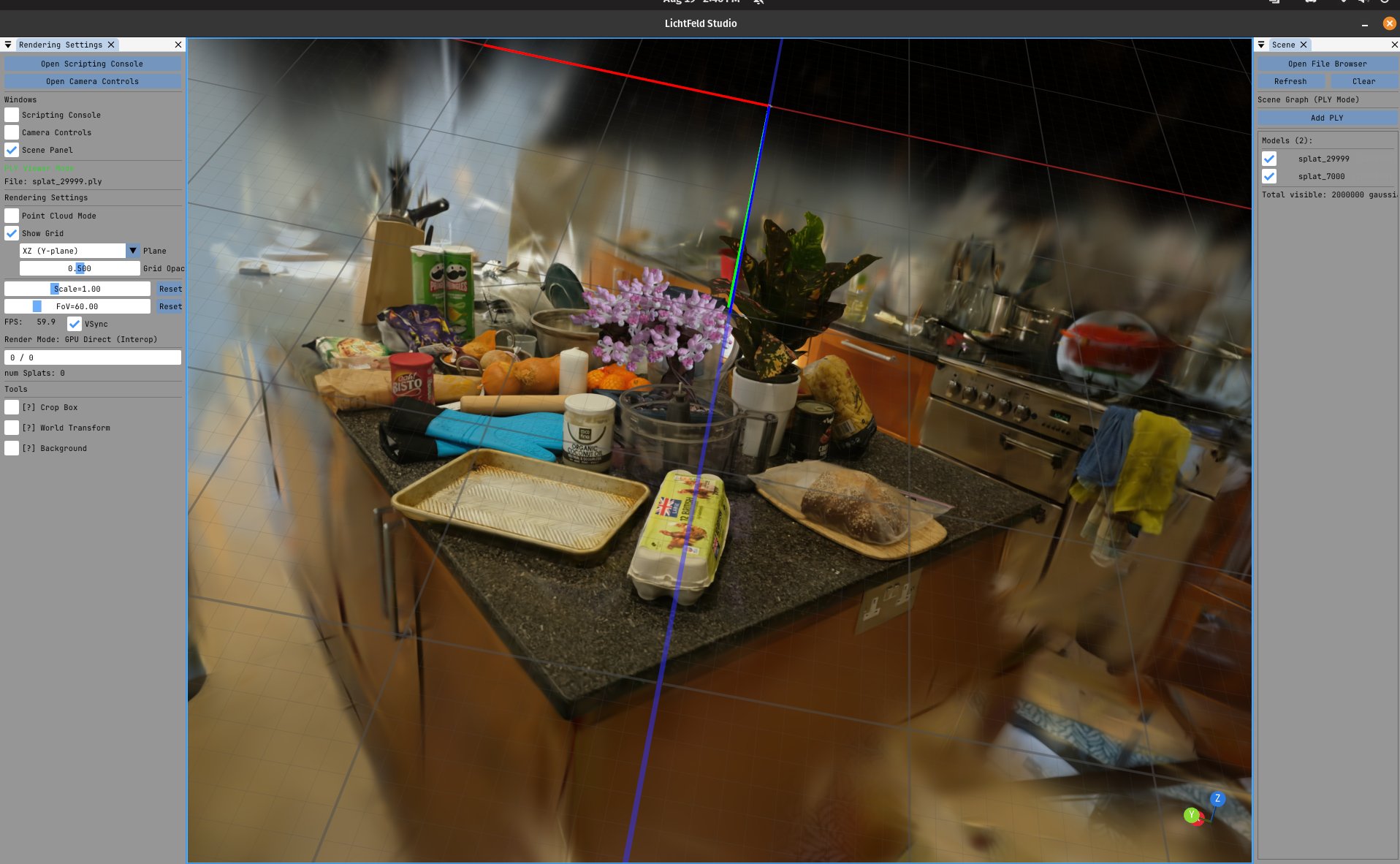
Training a Gaussian splat usually means a pile of Python scripts, a COLMAP folder, and a lot of hope. LichtFeld Studio puts the whole job in one native app: train, inspect, edit and export, with an MCP interface so an AI agent can drive the pipeline for you. It is free, open source under GPL-3.0, and version 0.5.4 just shipped.
The Story
Most radiance-field work still lives in a terminal. You stitch together a reconstruction tool, a trainer, a viewer and three export scripts, each with its own quirks. LichtFeld Studio, built by the developer behind the account MrNeRF, collapses that into a single desktop program. Its own tagline calls it “the modular workstation for 3D Gaussian Splatting.”
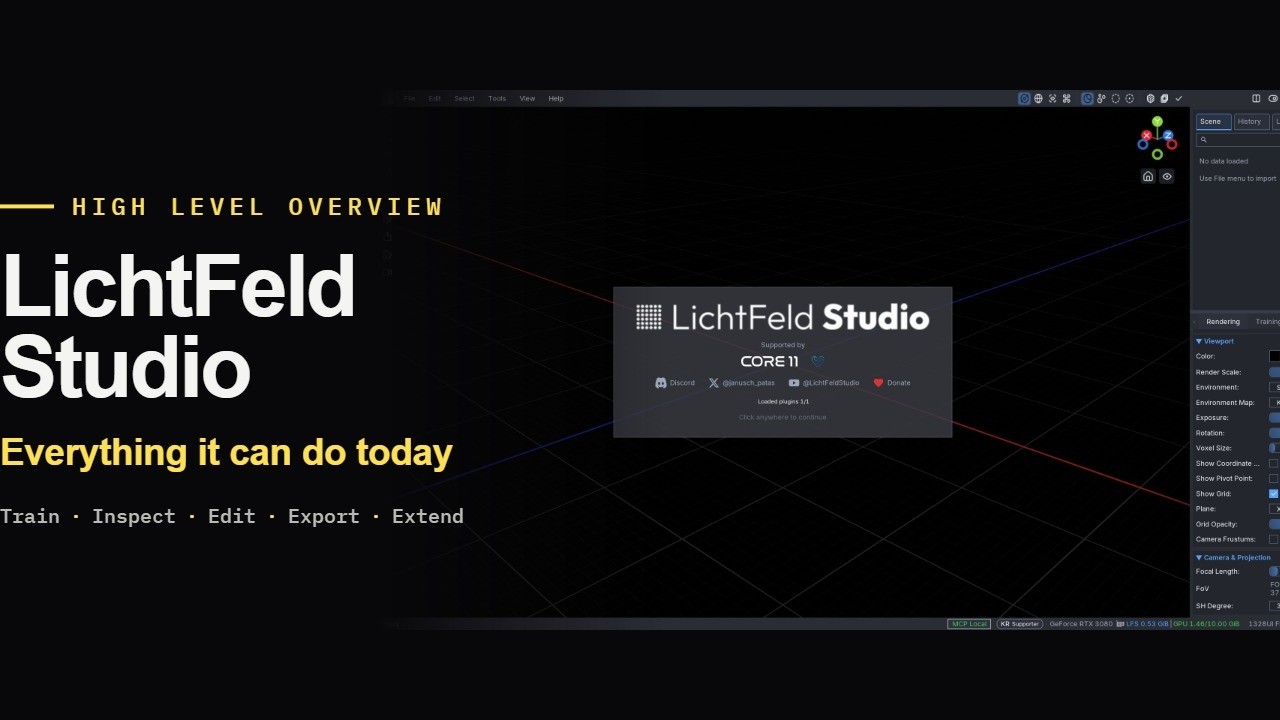
The README lists a full loop. You train new scenes from COLMAP datasets, resume from checkpoints, and watch the reconstruction build in real time. You select, transform and edit subsets of gaussians with undo and redo. You export to PLY, SOG, SPZ, or a standalone HTML viewer you can drop on a web page. On the research side it ships MCMC optimization, bilateral grid appearance modeling for images that vary in exposure, 3DGUT support for distorted camera models, and timelapse generation.
The part that makes this a Lab story is automation. The app exposes MCP tools and resources plus embedded Python, so a model-context-protocol client — an agent like Claude — can call into the trainer and the scene directly. You can also extend the app with Python plugins that add custom panels, operators and tools. That is the same pattern we covered with Comfy MCP and Revit’s MCP agent: the creative software stops being a wall and becomes something an agent can operate.
Version 0.5.4, dated October 2026, adds a real project file. The new .licht format keeps datasets, checkpoints, trained models, scene edits, camera paths and workspace layouts together, so reopening a project resumes training or export where you left off. It adds normal-guided training, a geometric signal alongside color that targets thin structures and difficult surfaces, with LichtFeld generating the normal maps automatically. It adds Gallery publishing straight to lichtfeld.io, and it widens import and export to USD, glTF and GLB on top of the existing formats.
Why You Should Care
Gaussian splatting has gone from research toy to production pipeline fast — Blender 5.3 now imports splats natively, and glTF is ratifying a splat extension. But the tooling to make a good splat has stayed fragmented. An all-in-one, open-source workstation with undo, a live viewer and clean exports lowers the barrier a lot, especially for 3D artists who do not want to babysit a training script.
The MCP layer is the forward-looking bit. It means a splat capture, clean-up and export can become one agent task instead of ten manual steps. For a studio building a radiance-field pipeline, that is the difference between a demo and a tool you ship with.
Try It / Follow Them
The honest catch first: this is NVIDIA-only. You need a GPU with compute capability 7.5 or newer (GTX 16-series, RTX 20-series and up), driver 570+, and the source build uses C++23 and CUDA 12.8+. AMD and Intel GPUs are not supported, and prebuilt binaries target Windows.
- Source (free): clone and build from github.com/MrNeRF/LichtFeld-Studio, GPL-3.0.
- Prebuilt Windows binaries: via the LichtFeld Portal, which asks for a donation of your choosing to fund development — the source build stays fully free.
- Latest release: v0.5.4.
IK3D Lab Take
We have not run LichtFeld Studio ourselves yet, so treat this as a scouting report, not a benchmark. On paper it is the most complete open-source splat workstation we have seen: the feature list reads like someone who was tired of gluing scripts together and built the thing properly. The MCP hook is what earns it a Lab slot — it points at a near future where capturing a place and handing a clean splat to a game engine is one agent prompt.
Where it will break for some readers: the hard NVIDIA requirement shuts out every Mac and AMD user, and a C++23 / CUDA 12.8 source build is not a casual afternoon. If you are on the right hardware and already shoot splats, this likely replaces your tangle of scripts. If you are on a Mac, keep watching — but this one is not for you today. We will report back once we have trained a scene end to end.
How this article was made: researched and drafted with AI assistance, then fact-checked against the original sources and reviewed by Issa before publication.