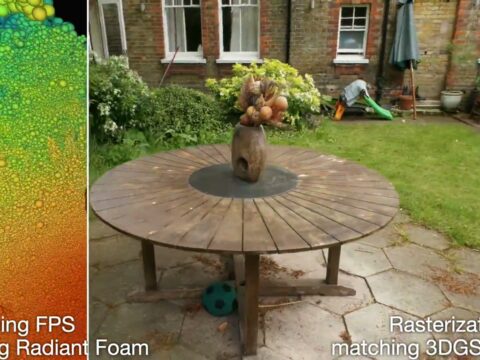
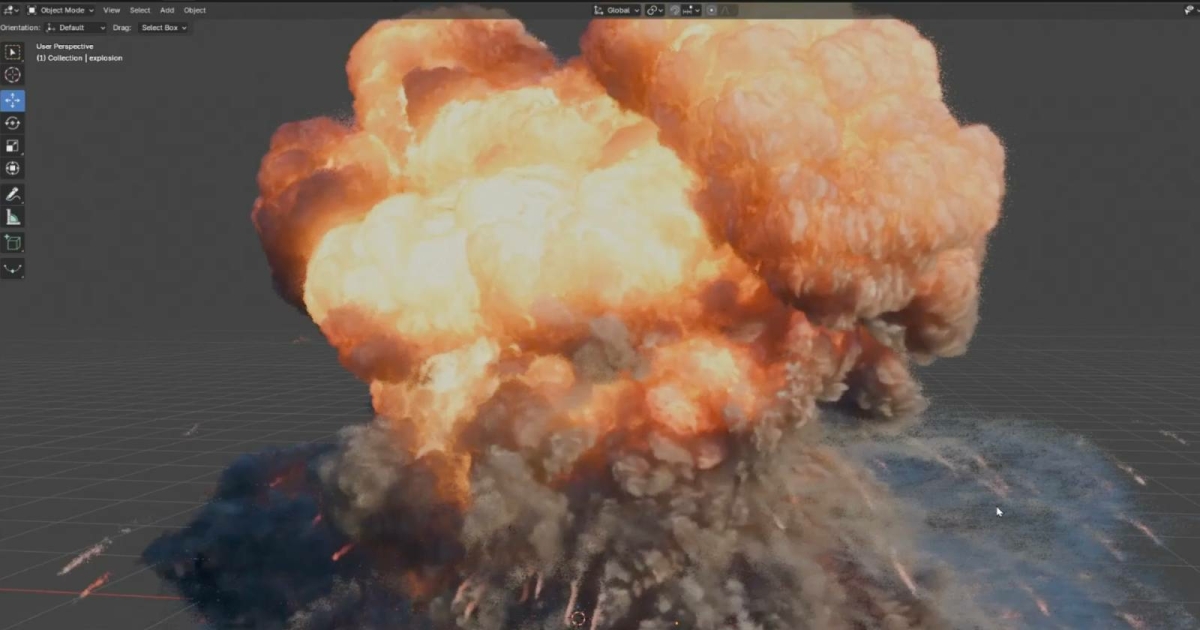
For two years, getting a Gaussian splat into Blender meant an add-on, a workaround, and a lot of crossed fingers. That era just ended. Blender 5.3 — currently in Alpha, shipping November 10 — imports and renders 3D Gaussian Splats natively, in Workbench, EEVEE and Cycles. The most popular open-source 3D suite on Earth now speaks radiance fields out of the box.
The Story
The Blender Foundation opened an official design task for native splat import back in June 2026. Three months later, the work landed as PR #163102, and it is far more than a file loader.
Here is the clever part. A splat is not bolted on as a foreign object type. Instead, Blender reuses its existing PointCloud data-block and adds a new flavor to it: a “3D Gaussian Splats” type sitting right next to the plain “Points” type. Every splat carries its position, a scale vector, a rotation quaternion, an opacity-plus-base-radiance value, and the spherical harmonics coefficients that give it view-dependent color. In short, a splat is now first-class Blender data.
On import, PLY files (Z-forward, -Y-up, auto-detected) and SPZ files through v4.0 are both handled, with automatic coordinate conversion so you do not fight axis flips. Note the one big caveat: 5.3 imports but does not export yet.
Why You Should Care
Because splats are stored as a PointCloud, they plug straight into Geometry Nodes. Three new nodes ship with 5.3:
- Set Point Cloud Type — flip a point cloud between Points and 3D Gaussian Splats.
- Import SPZ — load an SPZ file procedurally, inside the node graph.
- Import PLY — detect a splat PLY and route it to a PointCloud output.
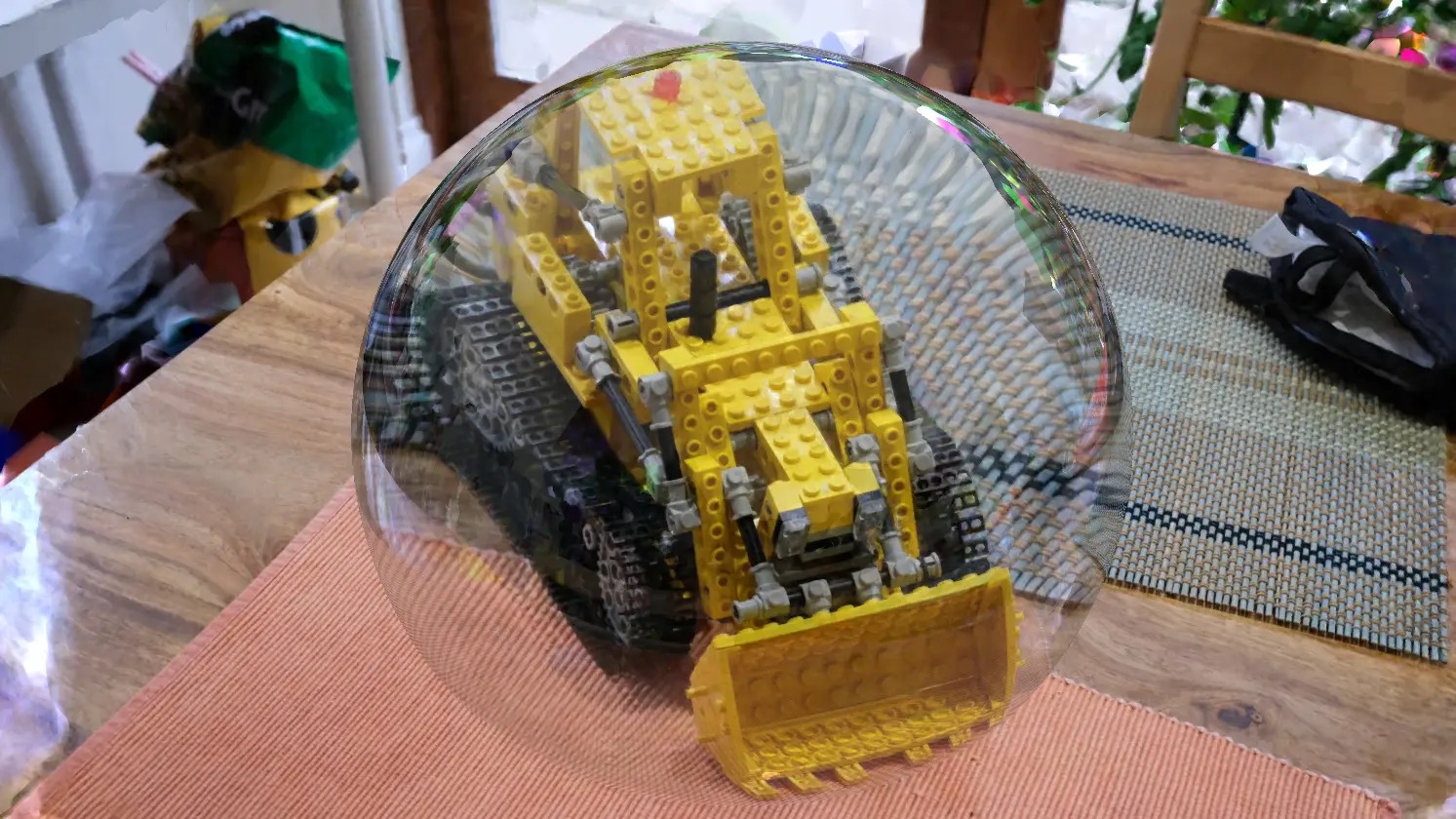
That is the whole game. Your photo-scanned real place is no longer a locked screenshot floating in the scene. It is procedural data you can cull, instance, deform, and mix with polygon geometry. And across all three engines, a splat renders through an emissive shader driven by its radiance attribute, applied automatically — no manual node wiring to see something.
The Honest Caveats
This is an Alpha, and the release notes say so plainly. Three known issues stand out. Performance still needs work. Color is the trickier one: Cycles and EEVEE render in linear space while splats assume sRGB, so low-opacity, high-radiance splats can show artifacts. And “Apply Transform” does not yet correctly handle scale, rotation, or the spherical harmonics — so bake your transforms carefully, or not at all, for now.
Try It
The 5.3 Alpha is live until September 30, with the stable release expected November 10. Grab an Alpha build from builder.blender.org, drop in a PLY or SPZ capture, and hit render. If you want the deep technical breakdown, Michael Rubloff’s write-up at Radiance Fields walks through every attribute, and 80 Level points to a CGMatter video demo.
IK3D Lab Take
We have covered a parade of splat add-ons here — 3DGS Render, StableGen, BlendSplat. Every one of them was a bridge over a gap that should not have existed. Native support closes the gap. When capture-to-3D becomes a plain File > Import, the AI reconstruction pipeline (your phone video, a splat trainer, then Blender) stops being a hobbyist stunt and becomes a normal step in a production scene. Export is the missing piece, and linear-space color needs a real fix. But the direction is set: the radiance field is now a Blender primitive, and that changes what “3D asset” even means.