The Hook
A Gaussian splat is a frozen photograph of a place. It carries the light that was there when you captured it — the sun, the shadows, the reflections — baked in forever. That is the wall every splat artist hits: drop a real-world scan into a new scene and the lighting fights you. KIRI Engine’s free Blender add-on, 3DGS Render 5.1, just shipped the fix most people said was years away: real-time relighting of imported splats, right inside the viewport, plus GPU-accelerated animation. All of it open-source, all of it free.
The Story
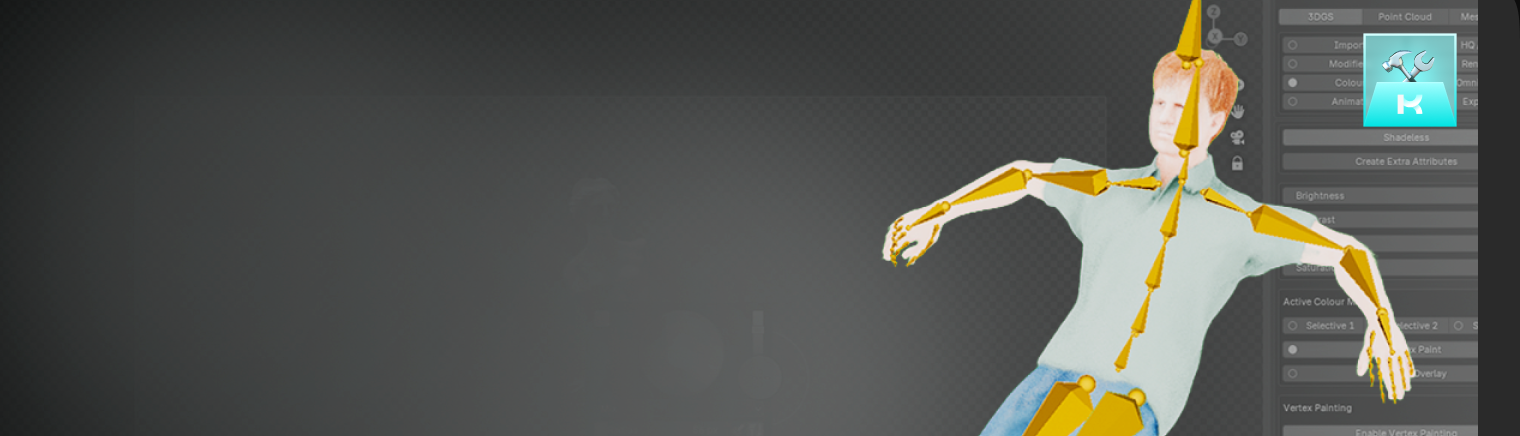
KIRI Engine is best known as an AI 3D reconstruction company — the team turns phone photos and video into photogrammetry meshes and Gaussian splats. Their Blender add-on, 3DGS Render, has quietly become the most complete way to work with splats inside a mainstream 3D app. It imports .ply splat files, lets you move, scale and rotate them like any normal object, and renders them in real time — including inside Eevee, Blender’s fast rasterizer.
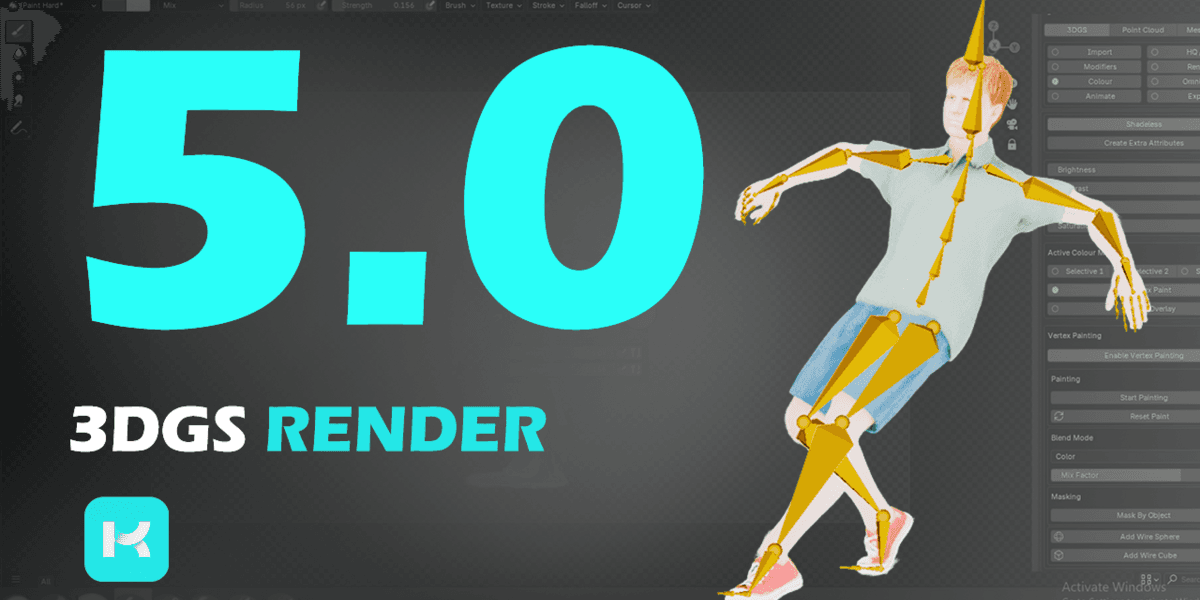
Version 5.0, released in June 2026, was the big leap. It added a proxy-mesh workflow: you wrap a rough mesh around your splat, animate or rig that mesh (Mixamo, mocap, hand-keyframes), and the add-on transfers the motion onto the splat. It also added light baking and 4D splat export as PLY sequences, so a moving splat could be played back in web viewers like SuperSplat. For the first time, Blender became a real place to author animated splats.
Version 5.1 is the polish that makes it production-ready. The headline is real-time relighting: imported splats now react to the scene’s lights, and they can receive shadows from meshes in Eevee. The proxy-rigging system got a speed transplant too — the heavy math that rotates each splat’s directional color (its “spherical harmonics”) during baking now runs on the GPU, with an automatic fall-back to the CPU if needed. Deformations come out cleaner. Along the way it added Blender 5.2 support while keeping 5.1 working, and tightened the error messages when a proxy binding goes wrong.
Why You Should Care
Relighting is the single biggest thing standing between splats and real production work. A splat of a room looks amazing — until you need it under moody night lighting, or next to a CG character lit by a different key. The baked-in light gives it away instantly. Doing that relight in real time, in the viewport, without a paid render engine, changes what a solo artist can attempt.
- Scan-to-scene, fast: capture a real location with your phone, splat it, drop it in Blender, and light it to match your shot.
- Animate the real world: the proxy-mesh trick lets you bend and move a captured object — now with cleaner, GPU-fast deformation.
- No lock-in: it’s free and open-source, exports standard PLY, and plays nicely with the wider splat ecosystem (SuperSplat, web viewers).
- It meets you where you are: this lives inside Blender, next to your existing meshes, cameras and compositor — not in yet another web app.
Blender’s own native splat support is still in early design. Until it lands, KIRI’s add-on is simply the most capable splat toolkit in the app — and it’s the one adding features the fastest.
Try It
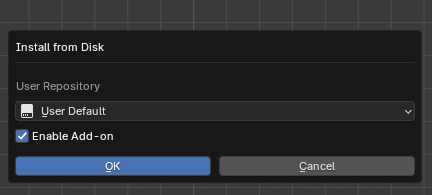
- Grab 3DGS Render 5.1 free from the GitHub repo or Superhive (formerly Blender Market). You need Blender 5.1 or newer.
- Need a splat first? Capture one with the KIRI Engine mobile app or any splat trainer, and export a
.ply. - Import it, add a light, and watch the relighting react live in the Eevee viewport.
- For motion, build a simple proxy mesh, animate it, and let the add-on transfer the movement onto your splat.
IK3D Lab Take
We have covered a lot of splat tech in the Lab, and a pattern keeps repeating: the shape problem is basically solved, and the lighting problem is where the real fight is now. Chaos unbaked splat lighting last summer; KIRI is bringing that same battle into free, open-source Blender. That is the part we love. A phone, a free add-on, and the most-used open 3D app on Earth — that is a full radiance-field pipeline with a zero-dollar entry ticket. The relighting in 5.1 is still an approximation, not physically perfect inverse rendering. But it is fast, it is live, and it is in the hands of every hobbyist tonight. That is exactly how a frontier technique stops being a research demo and starts being a tool.

Making Gaussian splats relightable in real time inside Blender is a major step beyond the usual “frozen photograph” limitation. The ability to place real-world scans under new lighting without baked-in sun and shadows fighting the scene could make 3DGS much more practical for production workflows.
The fix for baked-in sunlight, shadows, and reflections is a major step for Gaussian splat workflows. Real-time relighting directly inside Blender—especially as a free KIRI add-on—could make scanned environments far more practical in new scenes.
The move from baked-in lighting to real-time relighting could be a major shift for Gaussian splat workflows. Being able to drop a scanned environment into Blender and adjust the sun, shadows, and reflections without fighting the original capture is especially compelling.
Relightable Gaussian splats inside Blender could be a major workflow shift, especially for moving real-world scans into new scenes without fighting their baked-in sun, shadows, and reflections. The real-time result in 3DGS Render 5.1 sounds particularly useful for look development.
Making Gaussian splats relightable in real time inside Blender is a major fix for the “baked-in” lighting problem. I’m especially curious to test how convincingly 3DGS Render 5.1 handles shadows and reflections when scans are moved into completely new scenes.
Real-time relighting for Gaussian splats inside Blender is a major shift, especially since baked-in sunlight, shadows, and reflections have always limited how scans could be reused. The fact that KIRI is offering this through a free add-on makes the workflow even more accessible.
Real-time relighting inside Blender is a major step for Gaussian splat workflows, especially since baked-in sunlight and shadows have always made scene integration difficult. I’m curious to see how well the new 3DGS Render 5.1 handles reflections and mixed lighting in production scenes.
The ability to relight Gaussian splats in real time inside Blender is a major step beyond the usual “frozen photograph” limitation. Making that workflow free with KIRI’s 5.1 add-on could be especially useful for placing real-world scans into fully different lighting setups.
The ability to relight Gaussian splats in real time inside Blender directly tackles the “frozen photograph” problem. Making that workflow free in KIRI’s 3DGS Render 5.1 add-on could be a major step for using real-world scans in genuinely new lighting setups.
Real-time relighting inside Blender is a major step for Gaussian splat workflows, especially since baked-in sunlight, shadows, and reflections have always limited how scans can be reused. Making 3DGS Render 5.1 free also lowers the barrier for artists testing scanned environments in new lighting setups.