Hook
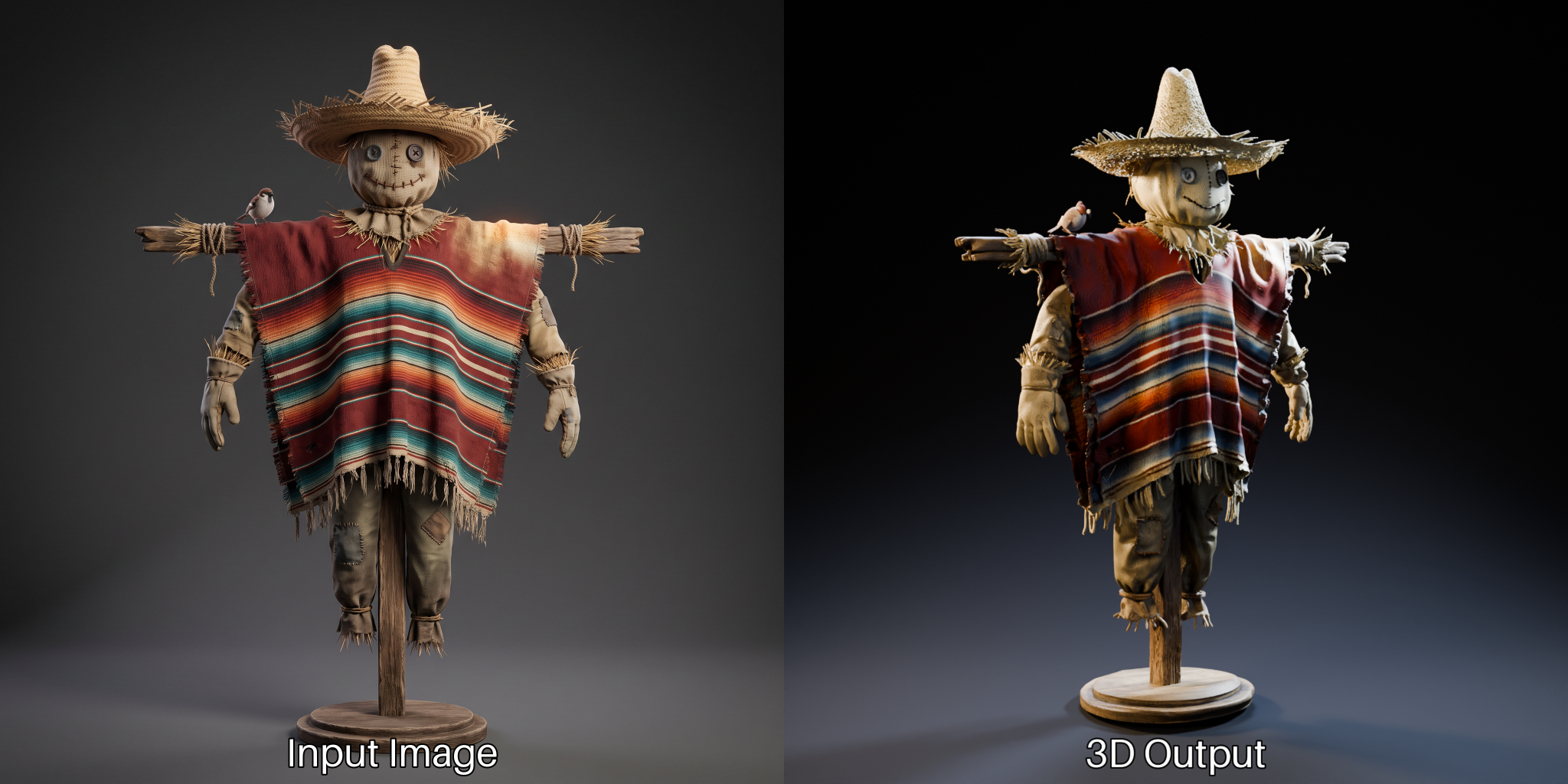
You want to turn a picture into a 3D model on your own GPU. Until now that meant custom nodes, a CUDA compile that fails at 2 a.m., and a downgraded PyTorch that broke your other tools. On August 31, 2026, ComfyUI killed that whole ritual. TRELLIS.2 and Pixal3D now ship inside ComfyUI core. No plugins. No compile. Just a workflow.
The Story
ComfyUI is the node graph half the AI art world runs on. It already did images, video, and audio. The missing piece was 3D. You could bolt it on with third-party nodes, but that path was fragile: compiled extensions, NVIDIA-only dependencies like nvdiffrast, and version conflicts that ate whole afternoons.
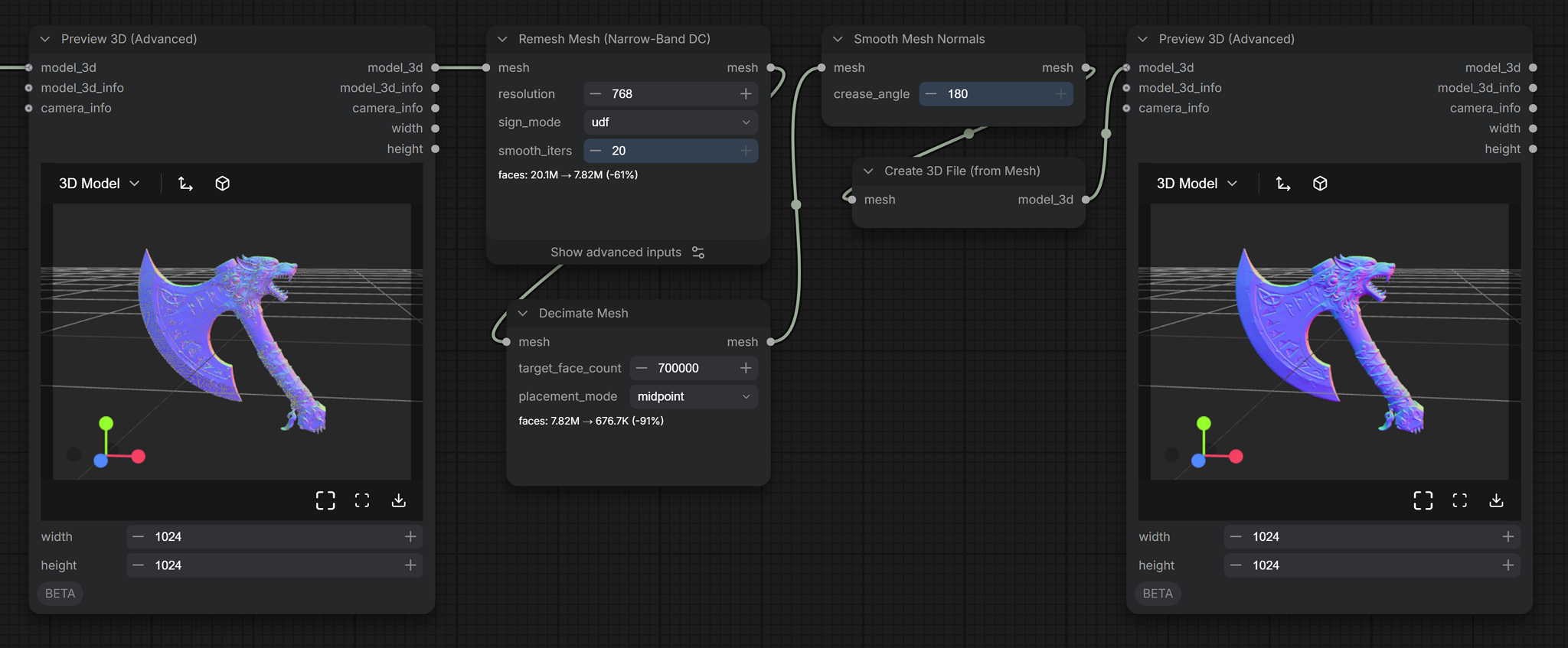
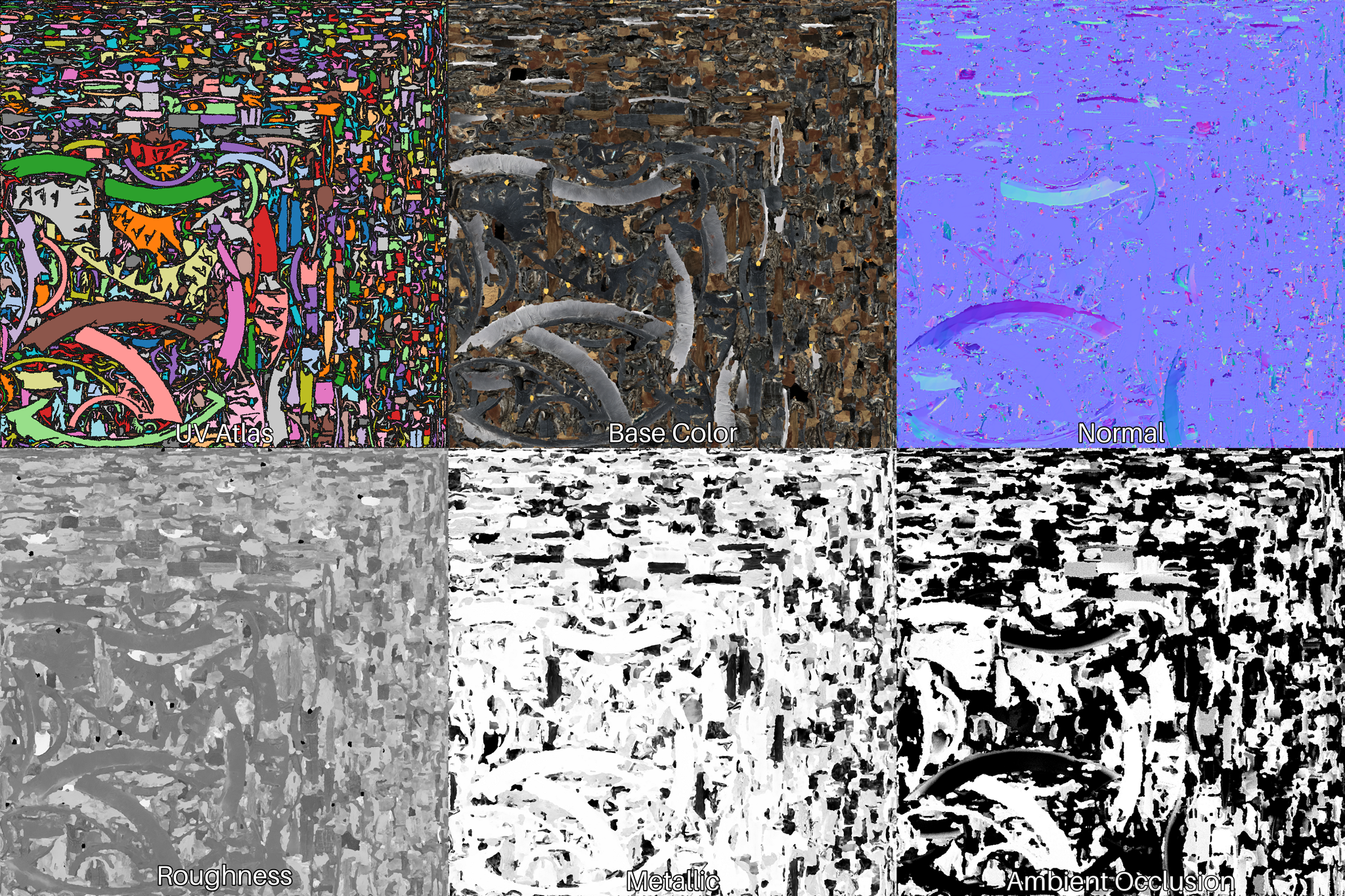
The 0.34.0 update makes 3D a native citizen. The team rebuilt the pipeline from the ground up: new Load, Preview, and Save 3D nodes, plus a full set of mesh tools — Remesh, Decimate, Smooth Normals, Fill Holes, Merge, Paint, and Render. There is a UV unwrapping node. And the texturing stage bakes a complete PBR material set: base color, roughness, metallic, normal, and ambient occlusion.
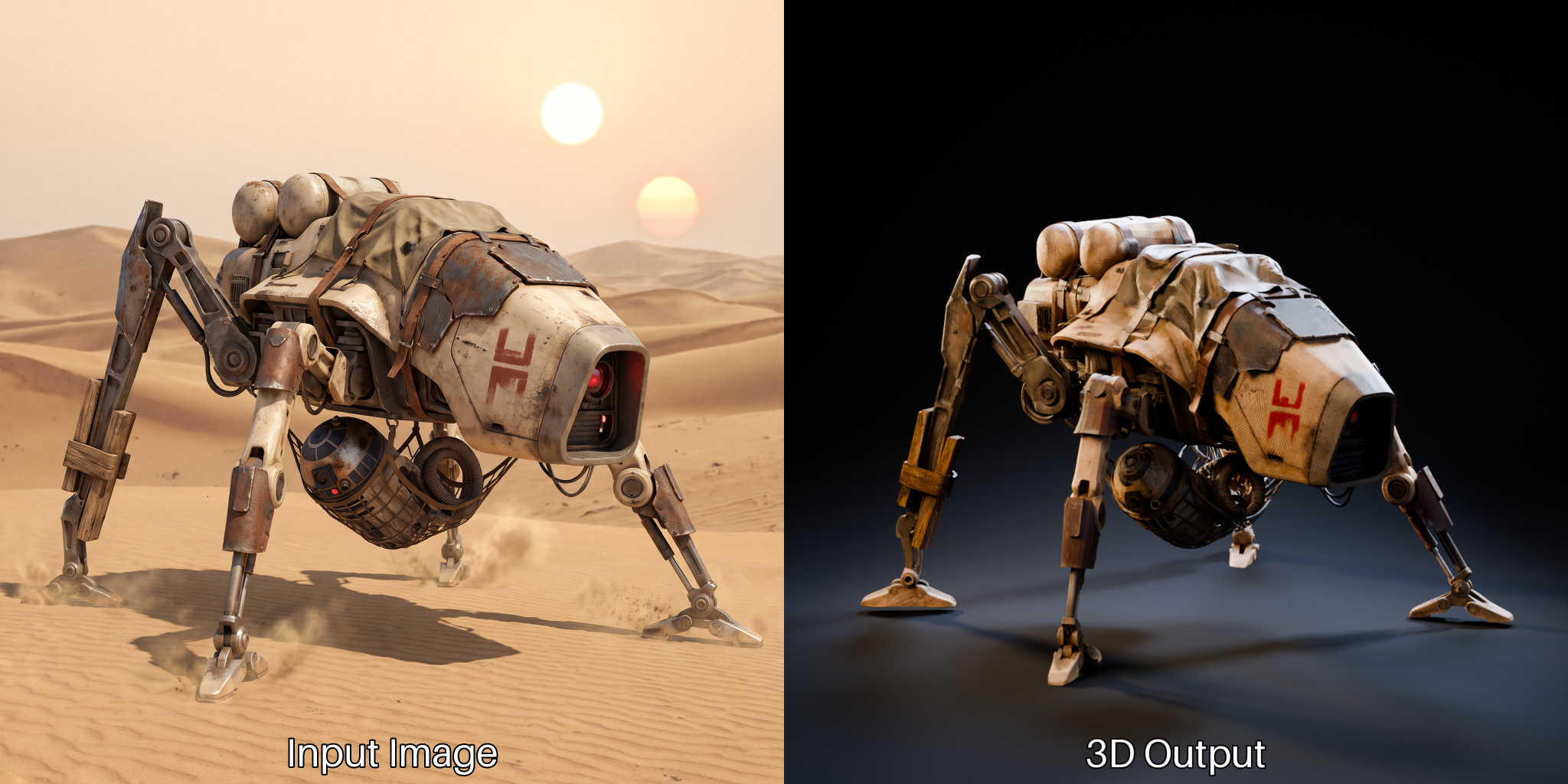
The two engines under the hood are worth knowing. TRELLIS.2 is a 4-billion-parameter model from Microsoft Research. It uses a structured latent it calls O-Voxel, reaches an effective 1536³ resolution, and handles the hard cases — open surfaces, non-manifold geometry, enclosed volumes. Code and weights are MIT-licensed.
Pixal3D is built on the same backbone but adds pixel-aligned generation: it keeps a direct link between the pixels of your input image and the 3D volume, lifts image features at multiple scales, then refines in a cascade. In plain terms, the model stays honest to your reference instead of drifting into a generic blob.
Why You Should Care
Three things changed at once.
- Setup pain is gone. No compiled extensions. No PyTorch downgrade. It runs on consumer hardware. The old NVIDIA-only chain was cut out.
- The output is usable, not a demo toy. You get a clean mesh with a PBR material set — the thing you would actually drop into Blender, Unreal, or a game engine.
- It is free, even commercially. MIT weights. Zero cost per asset. No license clause on what you make.
For anyone already living in ComfyUI, image-to-3D is now just another branch of the same graph. Generate a character with Flux, feed it straight into TRELLIS.2, texture it, decimate it, export it. One tool. One canvas.
Try It
- Update ComfyUI to 0.34.0 or later (or use Comfy Cloud).
- Grab the 3D workflow from the built-in template library.
- Download the weights from the Comfy-Org org on Hugging Face: TRELLIS.2, Pixal3D, plus BiRefNet (background removal) and MoGe (camera FOV).
- Drop in an image and run it.
Full write-up on the ComfyUI blog.
IK3D Lab Take
The ComfyUI team is honest about the ceiling: Hunyuan 3D, Tripo, and Rodin still produce prettier results. If you want the top polish, pay for it. But that is not the point here. The point is that the friction just collapsed. The gap between “I have an image” and “I have a rigged-ready mesh in my scene” used to be a weekend of dependency hell. Now it is a node.
That is the real trend of 2026: AI 3D is stopping being a science project and becoming plumbing. When the best open tool ships inside the graph you already use, iteration gets cheap — and cheap iteration is where good work actually comes from. Fire it up, break it, and tell us what you built.