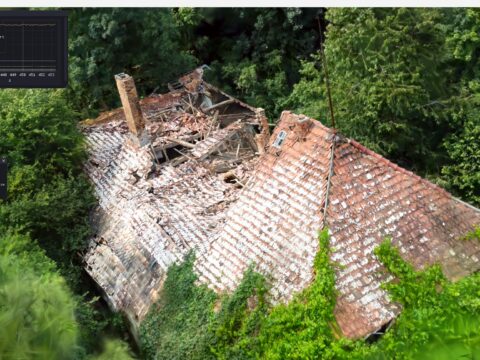
Gaussian Splatting produces the most photorealistic scans you’ve ever seen from a phone. But here’s the catch nobody talks about: the output is a cloud of millions of tiny splats — not geometry. You can’t rig it. You can’t UV it. You can’t bring it into Unreal, Blender, or a slicer. KIRI Engine just changed that equation.
The Story
Released on April 10, 2026, KIRI Engine 4.2 ships 3DGS to Mesh 3.0 — the third iteration of their Gaussian Splat to polygon mesh converter, and by their own claim, the only mobile app in the world offering this technology. Version 3.0 isn’t a minor patch. It’s a ground-up quality rethink.
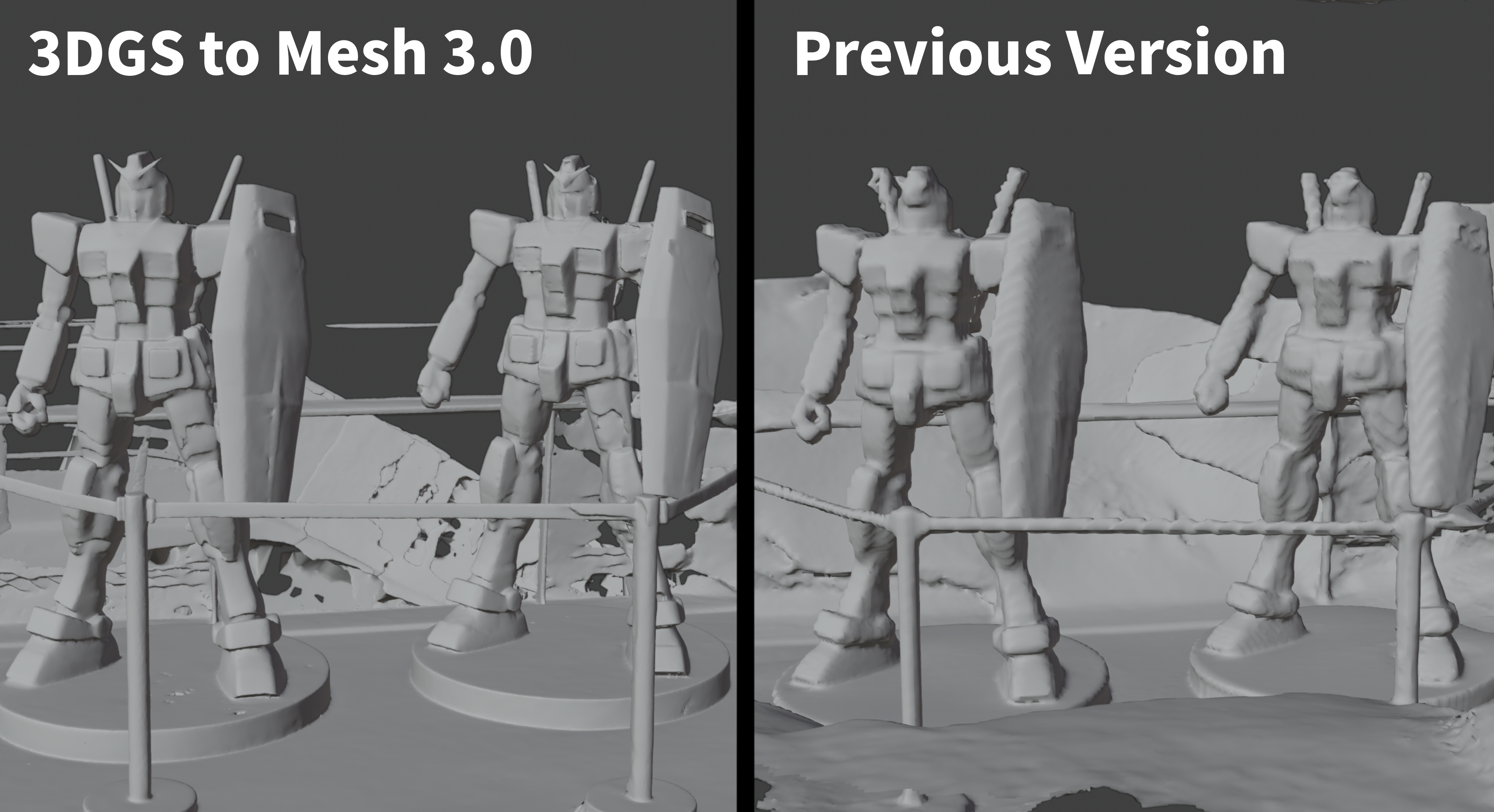
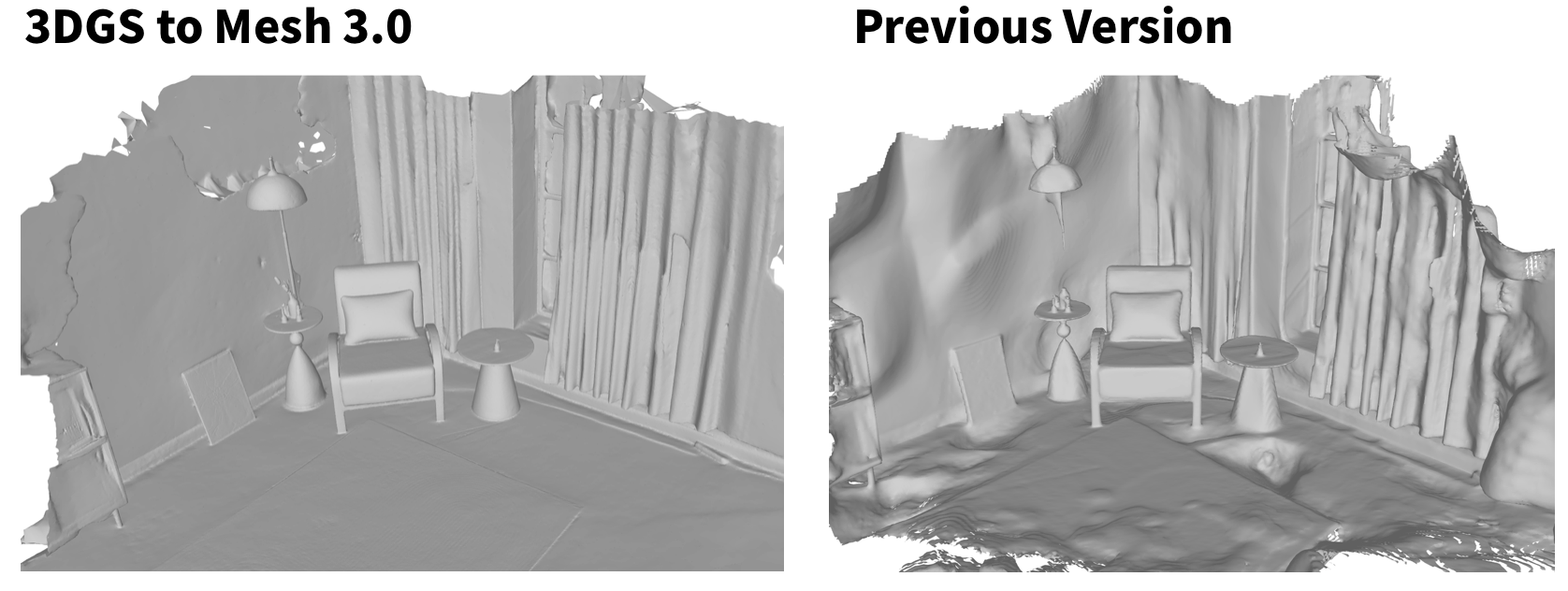
The problem with earlier versions was visible the moment you tried to use the output: wavy planes where there should be flat walls, thin geometry collapsing into mush, hard-surface edges turning into lumpy approximations. Good enough for previz, not good enough for production. That changes with 3.0.
What’s New in 3DGS to Mesh 3.0
- Smoother large surfaces — flat planes now look flat. Walls, floors, tabletops don’t wave anymore.
- Cleaner thin details — stanchions, wires, plant stems, thin furniture legs actually survive the conversion.
- Better hard-surface stability — cabinet edges, appliance corners, furniture geometry holds its shape.
- 20% faster processing — same pipeline, meaningfully quicker turnaround.
The Measuring & Scaling Tool — For 3D Printing and Real-World Accuracy
The second headline feature in 4.2 solves a problem that’s been plaguing mobile photogrammetry since day one: scale. When you scan an object with a phone, the resulting model has no real-world dimensions. You have to import it into another tool, measure it, then scale it to match reality. Every 3D printing workflow I know has a story about printing something at 10x or 0.1x the intended size.
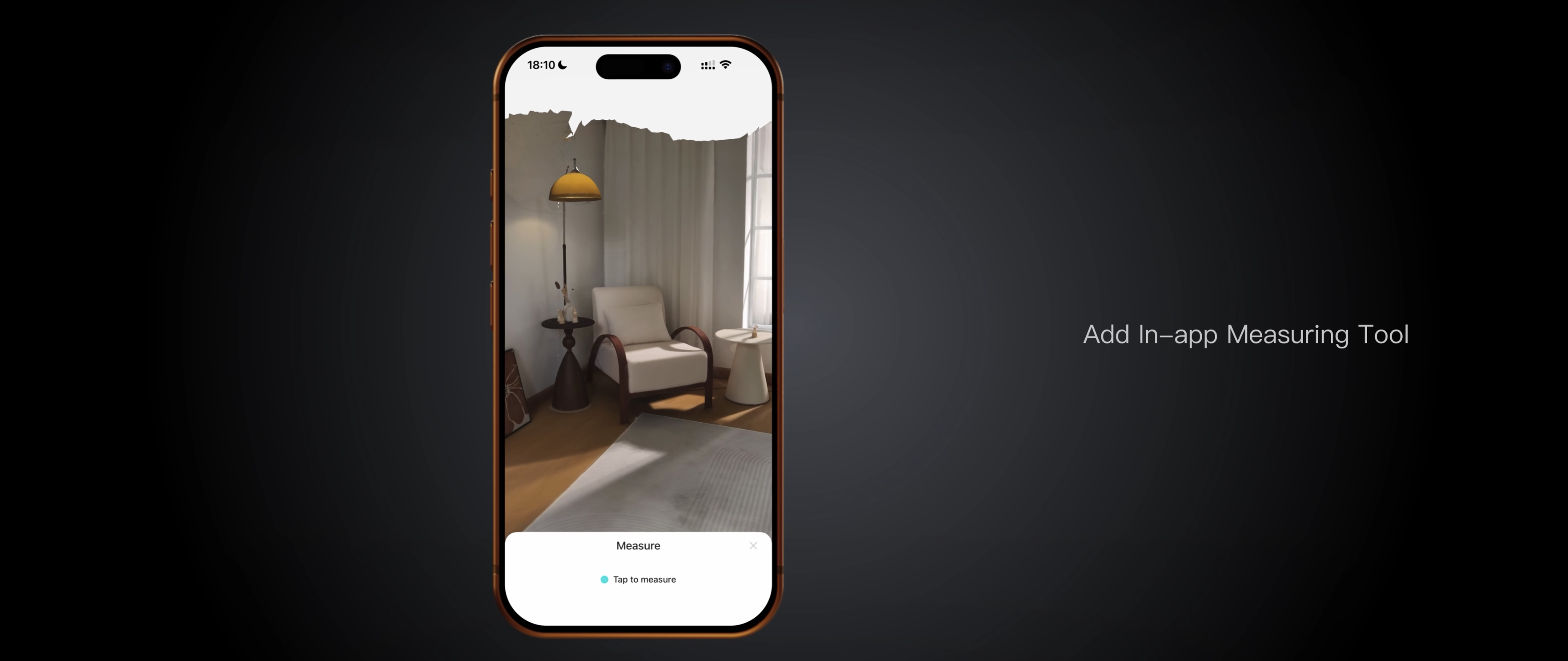
KIRI Engine 4.2 fixes this inside the app in three steps:
- Measure — tap two points on the scan. AI estimates the distance between them.
- Rescale — type in the real-world measurement. The model snaps to correct dimensions.
- Export — send it straight to your slicer or 3D pipeline, correctly scaled.
Why You Should Care
Here’s the dirty truth about Gaussian Splatting that nobody puts in the promo videos: you can’t do anything with a splat file except look at it. It’s not geometry. There’s no mesh. No UVs. No rigging points. You can render it beautifully in real-time and then you’re stuck.
The scan-to-production pipeline has always required multiple tools: scan on mobile, process on desktop, import into DCC, retopologize, UV, texture. You need Blender, RealityCapture, or Meshroom for the heavy lifting. KIRI Engine’s vision is to compress that pipeline down to a phone. For architects doing site documentation, makers scanning props for 3D printing, game devs doing rapid photogrammetry of real objects — a quality scan-to-mesh on mobile is genuinely transformative.
And the Measuring tool solves a workflow problem that’s existed since the first mobile scanning apps shipped. Scale accuracy is what separates a toy from a tool. Being able to lock real-world dimensions in-app before export is the kind of quality-of-life feature that makes the difference between this being a hobbyist toy and a professional instrument.
Try It
KIRI Engine is free to try across all platforms:
- iOS — App Store
- Android — Google Play
- Web — kiriengine.app/webapp (no install required)
Grab any object — a shoe, a toy, a piece of furniture — run a 3DGS scan, hit the 3DGS to Mesh converter, and compare 3.0 to what you remember from earlier versions. The difference is immediately visible. Then use the Measuring tool to set real-world scale and export directly to your slicer.
The blog post on their site includes detailed before/after comparisons for Gundam figures, living rooms, chairs, cabinets, and small objects — worth checking to see where the quality gains are most dramatic.
IK3D Lab Take
There’s a capability threshold in every technology where it stops being a novelty and becomes a tool. Mobile 3D scanning crossed that line for capture quality a couple of years ago — anyone with an iPhone could get a decent Gaussian Splat. The conversion to production-ready mesh is where the workflow broke down.
3DGS to Mesh 3.0 feels like that threshold for the conversion step. If the quality holds up across diverse subject matter — and the comparison images in their blog post suggest it does — then this is the moment mobile photogrammetry becomes a serious part of production pipelines, not just a cool preview tool.
The Measuring tool is underrated. Scale accuracy in-app is the kind of unglamorous feature that saves hours of downstream pain. These two features together — quality mesh output + correct scale — make KIRI Engine 4.2 the most production-ready mobile scanning app we’ve seen to date. Watch this one.